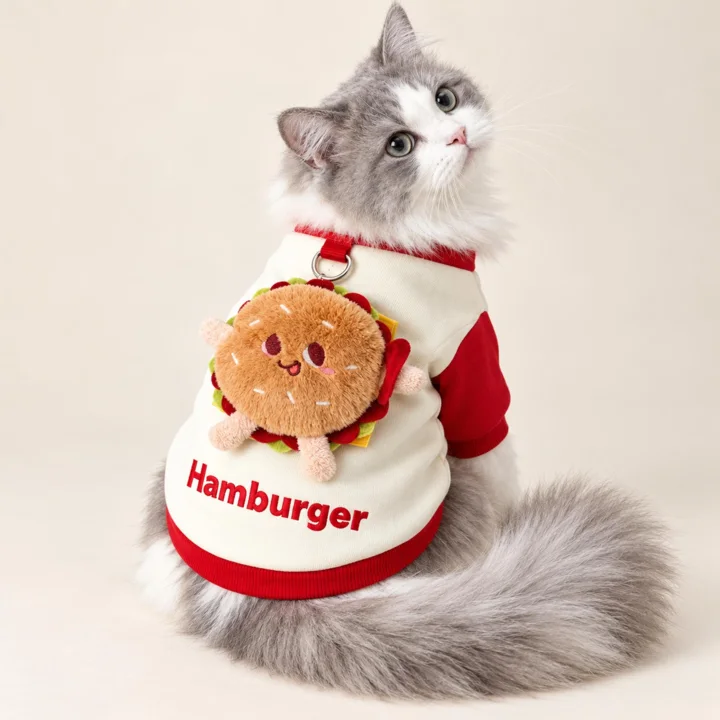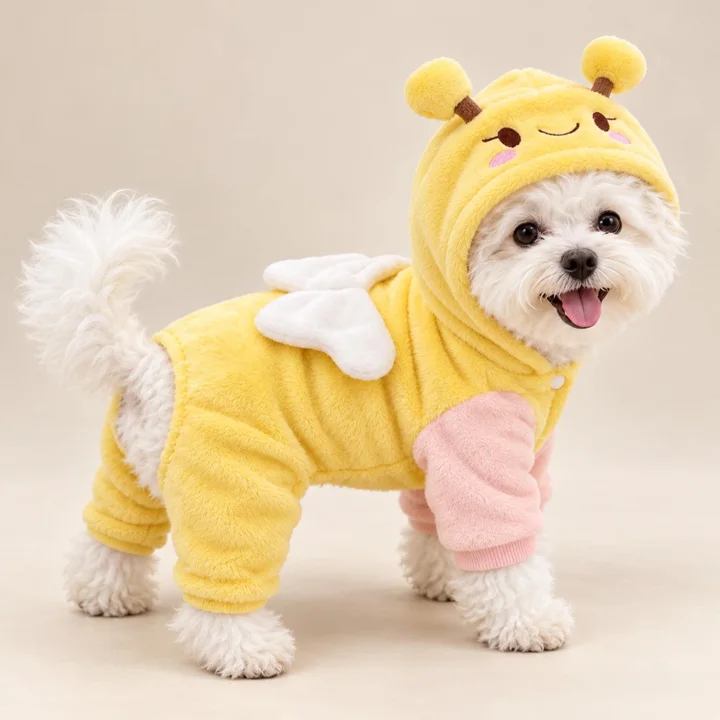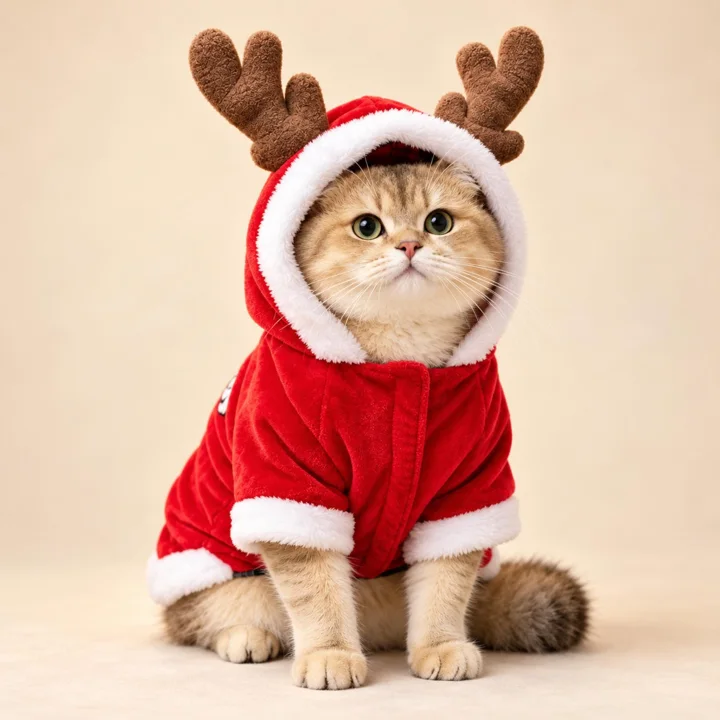


Pet clothing is easy to admire in a product listing and harder to evaluate from one polished image. Shoppers want to see where a garment sits, how its openings relate to a pet’s body, and whether decorative features are visible from the angles they care about. Thoughtful photography can answer those questions without promising a particular fit or implying that every animal will tolerate wearing an outfit.
A useful image set balances an appealing overall view with practical evidence: garment shape, construction details, scale, and the way the item appears on a real pet. For boutique retailers, that means planning images around customer questions rather than simply collecting attractive poses. The following approach works for apparel ranging from a fuzzy cardigan to a character costume, while keeping the animal’s comfort and willingness to participate central.
Start with the shopper’s questions
Before setting up lights or choosing a backdrop, list what a shopper cannot learn from the product name alone. Is the design a pullover, a dress, or a costume with a hood? Where are the sleeves? Which details sit on the back, and which appear at the neckline? A short shot list based on these questions keeps photography purposeful and makes it less likely that an important feature will be hidden in every frame.
Translate each question into a view. A front three-quarter image might show the neckline and sleeves together; a side view can clarify body length and silhouette; a rear view can reveal a back decoration. For the Pink Fuzzy Pet Cardigan, for example, images should make its fold-over collar, contrasting buttons, short sleeves, and ribbed edges easy to distinguish. Do not ask one crowded composition to communicate every feature at once.
Show the garment on a willing model
A model image gives shoppers context that a flat product shot cannot, but the animal should set the pace. Use a familiar, calm setting, keep the session brief, and stop if the pet shows discomfort or tries to remove the garment. Never force a pose or keep an outfit on for the sake of a photograph. Some cats may reject clothing entirely; if that happens, use product-only images instead.
When an animal is comfortable participating, photograph natural standing and sitting positions rather than relying only on a staged pose. This helps shoppers see how the apparel appears during ordinary posture changes. Supervise throughout, keep the face and movement unobstructed, and avoid images that suggest an accessory is suitable for restraint. If the pet’s response changes, end the session and continue with garment-only photography.
Make fit cues visible, not absolute
A photograph can show placement and shape, but it cannot establish a precise fit for every animal. Coat, body proportions, posture, and individual measurements vary. Frame the model so the neck opening, chest area, back coverage, and sleeve placement are visible where relevant. Keep the garment arranged naturally; pulling it tight for a cleaner outline can mislead shoppers about how it sits during normal wear.
Pair visual cues with the product’s supplied sizing guidance rather than estimating dimensions from a model image. The Cat Face Pet Dress has a striped top, short front sleeves, and a softly gathered skirt, with its plush cat face and bow on the back. A clear rear view can show those design elements, while a separate front or side image helps explain the overall silhouette. Avoid claims that a pictured fit will be identical on another pet.
Use close-ups to explain construction
Detail images earn their place when they reveal something shoppers would otherwise have to guess. Photograph buttons, seams, cuffs, edging, embroidery, layered decorations, and attachment points in sharp focus. Leave enough surrounding garment in the frame to show where each feature sits. A close-up of a button with no context may be attractive, but it tells less than a detail shot that connects the button to the collar and chest.
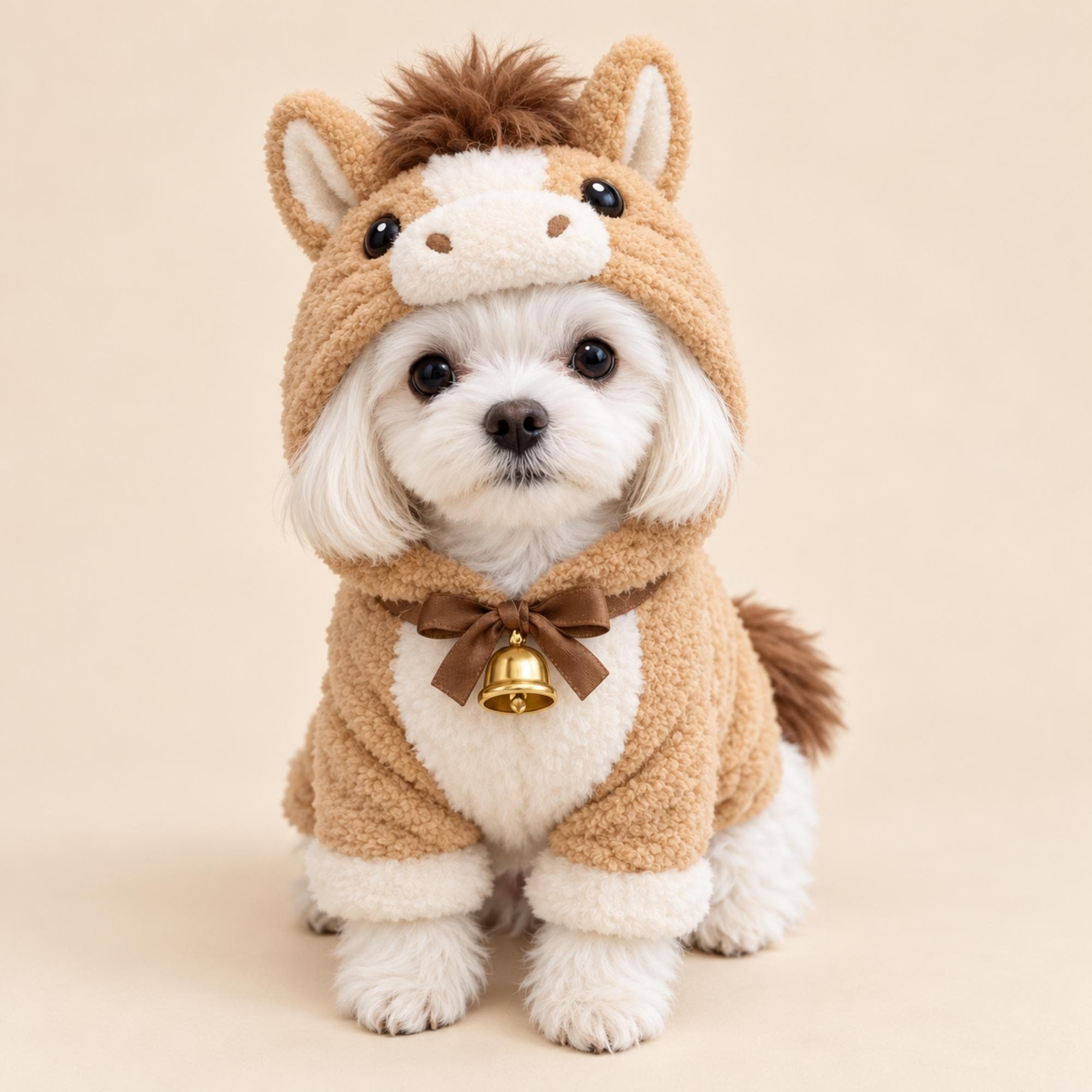
For the Pink Fuzzy Pet Cardigan, a close view can distinguish the cream button details and ribbed sleeve cuffs from the soft pink texture. The Horse Pet Costume’s bow and decorative bell deserve a separate image, as do its upright ears, dark mane, and cream muzzle. Describe visible details accurately, and do not infer a safety rating or a breakaway feature from an image.
Choose light and backgrounds that tell the truth
Soft, even light helps shoppers judge color and surface texture without deep shadows hiding edges. Window light can work well when it is consistent; a simple diffuser or reflector can reduce harsh contrast. Keep the background quiet and contrasting enough to separate the garment from the pet’s coat. Check the image on more than one screen, since bright editing can make pale colors look washed out or shift a pink fabric toward another hue.
Texture needs detail without exaggerated sharpening or filters. Plush, fuzzy, striped, and gathered surfaces can all look different under directional light, so inspect test frames before finishing the set. A neutral background often serves a product listing better than a busy seasonal scene, while a themed image can be a secondary choice. Do not digitally smooth away seams, alter colors, or remove a feature that shoppers will encounter in the actual product.
Plan angles around the design
Not every garment needs the same sequence of views. A simple top may need front, side, back, and a construction detail. A costume with a sculpted hood needs a clear face-on view of the character features as well as a wider image that shows the outfit’s overall shape. Choose angles that explain the specific design, not a fixed checklist applied without thought to every item.
The Horse Pet Costume is a useful example: its tan plush body, horse hood, ears, mane, muzzle, and neckline bow contribute to the look from different directions. A front view can show the hood details, while a side or rear angle can clarify the costume silhouette. Keep the pet’s eyes and face unobstructed in any model photograph, and include a garment-only view for shoppers who want to inspect the product without a model.
Keep product images consistent and useful
Consistency helps shoppers compare options across a boutique. Use a repeatable crop, similar background tones, and a familiar order for primary views, while allowing each product’s distinctive details to determine its additional images. Matching every frame too rigidly can hide useful differences, but a consistent visual system makes the collection feel organized and gives customers a predictable way to find the information they need.
Keep the main image focused on the item rather than props, decorative text, or a crowded scene. Secondary lifestyle images can suggest an occasion—such as a birthday portrait or seasonal photo—without implying that a garment has capabilities beyond its description. Do not include accessories that are not part of the listing in a way that could imply they come with the product. Captions and product copy should clarify what is pictured when context might otherwise confuse.
Review images for accuracy and animal welfare
Before publishing, review the full set as a shopper would: Can you identify the front and back? Are colors and details faithful to the item? Does any pose conceal an opening or make the garment look differently shaped? Remove duplicate frames that add no information. Check that image crops do not cut off a defining feature, and ensure that close-ups remain sharp enough to support the description rather than merely decorate the page.
Then make a separate welfare and accuracy pass. Confirm that no image shows an animal struggling, restricted, or left unattended in clothing. Avoid photographs that imply a costume or decorative neckwear is walking equipment. If a garment obscures movement or the pet appears uncomfortable, do not use that image; when needed, choose no outfit at all. Honest images support informed choices and set a more responsible standard for the boutique.
A thoughtful next step
A practical shoot can be simple: write down the shopper’s unanswered questions, capture a clean overall view, add angles that explain the silhouette, and photograph the details that distinguish the design. Use a willing model only when the animal is comfortable, then review every frame for accuracy, clarity, and welfare. The result is more than a pretty product page: it is a useful visual guide that helps customers understand what they are considering.
Explore our Apparel & Costumes collection, check measuring and fit guidance, or ask us about a product detail before choosing.
Pieces mentioned in this guide
These are catalog examples, not a promise of fit or availability. Read each listing and confirm the details before ordering.