

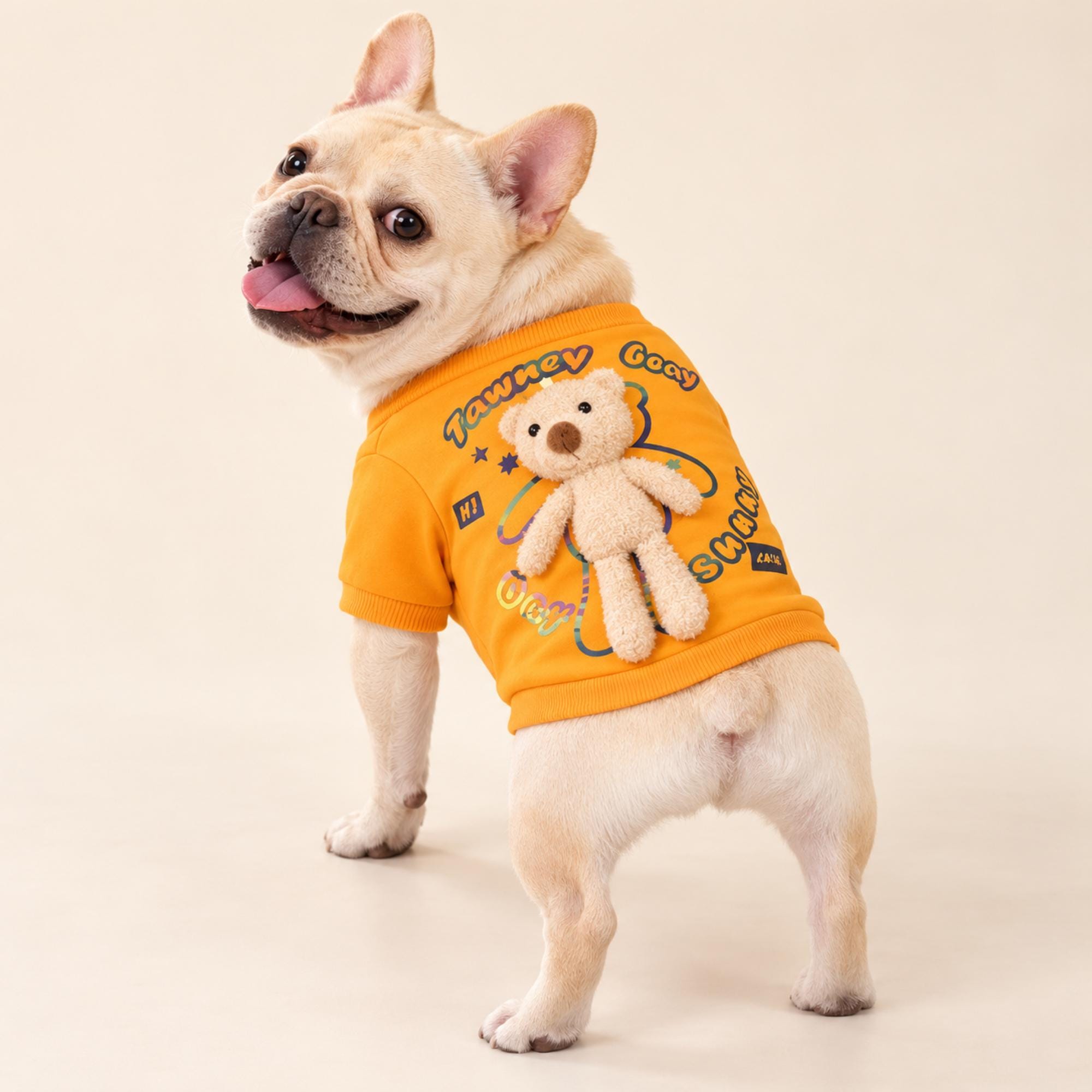
Natural light can make an outfit photograph feel relaxed and true to life. It brings out color, texture, and small design details without requiring a studio setup. A window, a patch of open shade, or a bright overcast day may be all you need. The best results usually come from working with the light you have rather than trying to stage a perfect scene around a pet who would rather be somewhere else.
Start with your pet’s comfort and attention, then build the photograph around them. Keep the session brief, let your pet move freely, and stop if clothing or posing seems to bother them. A well-timed candid can show an outfit more naturally than a long sequence of commands. These practical choices help you make clearer pictures while keeping the experience calm for both of you.
Choose soft light before choosing a pose
Look for light that falls gently across your pet instead of striking them head-on. A bright window with indirect daylight can work well indoors; outside, try an open-shade area near a wall or tree. Soft illumination helps preserve detail in dark fur and pale fabric alike. Direct sun may create hard shadows or bright patches that distract from the outfit, so shift a few feet or wait for a cloud to soften it.
Notice the direction of the light before asking your pet to settle. Light coming from the side can reveal texture and shape, while light from slightly behind may outline ears or a hood. Avoid placing a bright window directly behind your pet unless you want a silhouette. Take a quick test frame, check whether the face and outfit are readable, and adjust your position before your pet loses interest.
Make a simple indoor photo spot
A tidy corner near a window can become a useful portrait spot without turning your home into a studio. Move distracting objects out of the frame, but leave familiar furniture or a favorite blanket if it helps your pet settle. Choose a background that contrasts gently with the outfit: a pale wall can separate a dark shirt, while a darker surface may help a light cape stand out.
Keep the setup easy to leave. Put the camera or phone within reach, clear anything your pet might chew, and avoid blocking their route out of the space. A low camera angle often makes the pet the clear subject and reduces the amount of ceiling or empty wall in the picture. If your pet prefers the floor to a chair or cushion, photograph them there rather than insisting on a particular perch.
Use outdoor shade with care
For outdoor photos, choose a shaded place with open sky nearby rather than a dim spot under dense branches. The open sky provides broad, even light, while nearby foliage or buildings may create mottled patches across fur and clothing. A plain fence, porch, or quiet garden path can provide a clean background. Keep the location familiar and secure, and use a leash or other appropriate supervision when needed.
Check the ground and surroundings before you begin. Avoid busy walkways, hot surfaces, and places where your pet might encounter traffic or other hazards. Outdoor distractions can quickly outweigh the benefit of a pretty backdrop, so a few quiet minutes in a familiar yard may be more productive than a crowded park. If your pet seems unsettled, put the camera away and try another time.
Show the outfit from useful angles
A single front-facing portrait rarely shows every feature. Take a few pictures from the side or behind to capture shape, sleeves, a hood, or a raised detail. For example, the plush bear on the back of a Teddy Bear Dog Shirt may be easier to see in a side or rear view than in a straight-on portrait. Keep the pet’s face in the frame when possible, so the image still feels like a portrait rather than a clothing display.
Move around your pet instead of repeatedly turning or repositioning them. Photograph a natural sit, a comfortable stand, or a moment when they look toward a familiar person. Get a wider frame first, then try a closer view of a specific design feature. Leave a little room around ears, paws, and tails; tight cropping can make an otherwise clear outfit picture feel cramped.
Set exposure for fur and fabric
Phone cameras often adjust brightness automatically, and a pale coat or bright background can make the outfit look darker than it is. Tap the pet’s face or clothing on the screen to set focus and exposure, then make a small brightness adjustment if the image looks washed out or dim. Keep an eye on light areas such as white fur, since detail can disappear when they become pure white in the preview.
If your camera offers exposure compensation, use small changes rather than dramatic corrections. Take another frame after each adjustment and compare the fabric color with what you see in person. Strong filters can shift a green shirt toward yellow or make a cream cape look gray. For a realistic record of the outfit, modest editing to crop or brighten the image is usually enough.
Keep the session short and pet-led
Plan for a handful of pictures, not a long sequence of poses. Let your pet sniff the space and take breaks between attempts. A familiar treat, toy, or person just beside the camera can help direct attention, but avoid repeatedly calling or startling them for a reaction. Catching a glance during an ordinary pause often produces a more genuine expression than asking for eye contact in every frame.
Pay attention to signs that your pet wants to stop, including turning away, trying to leave, or repeatedly pawing at clothing. Never keep an outfit on just to finish a photograph. Cats may reject apparel, and any pet should be able to move naturally without fabric or accessories obstructing vision, breathing, or movement. Supervise throughout, and choose no outfit if that is what your pet needs.
Choose color and background deliberately
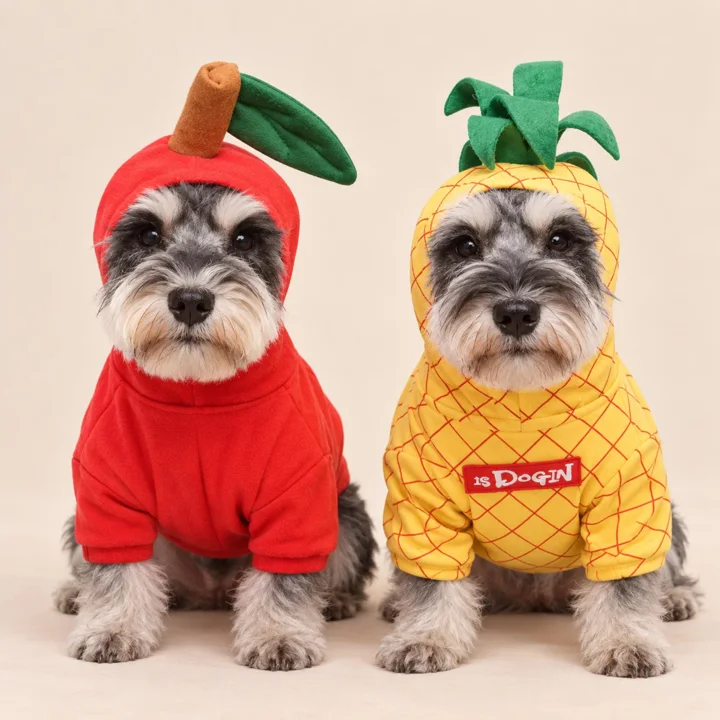
Color can help an outfit read clearly without making the photo feel staged. A green or orange shirt may pop against a quiet neutral background, while a cream-and-caramel cape may blend into a pale blanket. Look at the whole frame before shooting: fur, fabric, and backdrop should not all merge into one tone. You can change the background, shift your angle, or wait for a different patch of light.
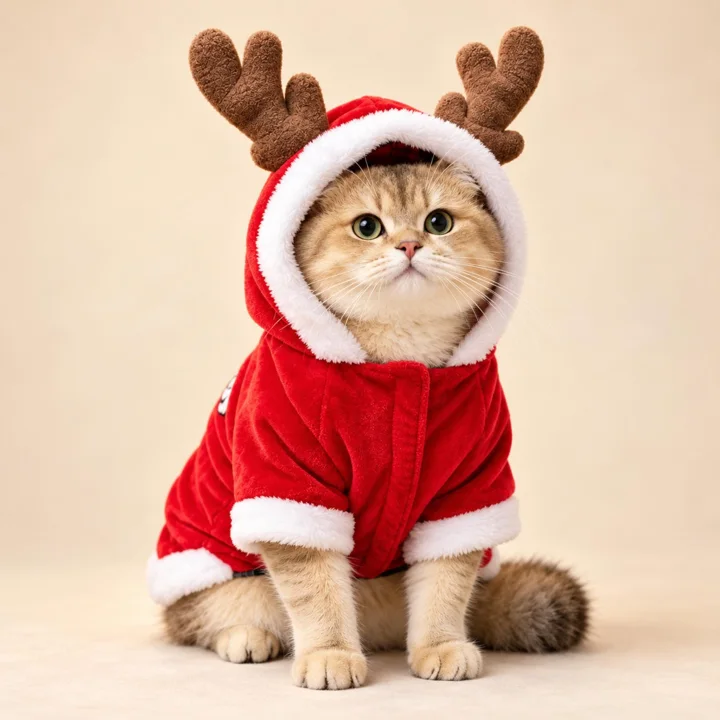
Seasonal outfits can benefit from a restrained setting. A reindeer costume photographed near a simple evergreen branch may suggest the holidays without filling the image with decorations. Keep props away from your pet’s face and paws, and skip anything that invites chewing or grabbing. One or two background details are generally enough; the outfit and the pet’s expression should remain the clearest parts of the picture.
Capture motion without making it a task
A few candid frames can show how an outfit looks during ordinary movement. If your pet is already walking comfortably, use burst mode or take several pictures in quick succession to improve your chances of catching a sharp moment. Stand where there is open light and a clear route, and ask another person to guide the pet gently if helpful. Do not make them run, jump, or repeat an action for the camera.
For a sharper moving picture, use a faster shutter speed if your camera lets you choose one. On a phone, brighter light and burst mode can help reduce blur. Keep the camera steady and follow the pet’s movement smoothly. If the results are soft, switch to a still portrait rather than extending the session. A relaxed, slightly imperfect candid is more useful than a technically sharp photo of an uncomfortable pet.
A thoughtful next step
Before you begin, pick one comfortable location, check the light, and decide which outfit detail you hope to show. Take a few wide and close frames, then let your pet leave when they are ready. Review the pictures afterward for clear focus, natural color, and any signs of discomfort. The strongest image may be a simple moment by a window or in open shade—not a perfectly posed shot, but one that feels like your pet.
Explore our Apparel & Costumes collection, check measuring and fit guidance, or ask us about a product detail before choosing.
Pieces mentioned in this guide
These are catalog examples, not a promise of fit or availability. Read each listing and confirm the details before ordering.